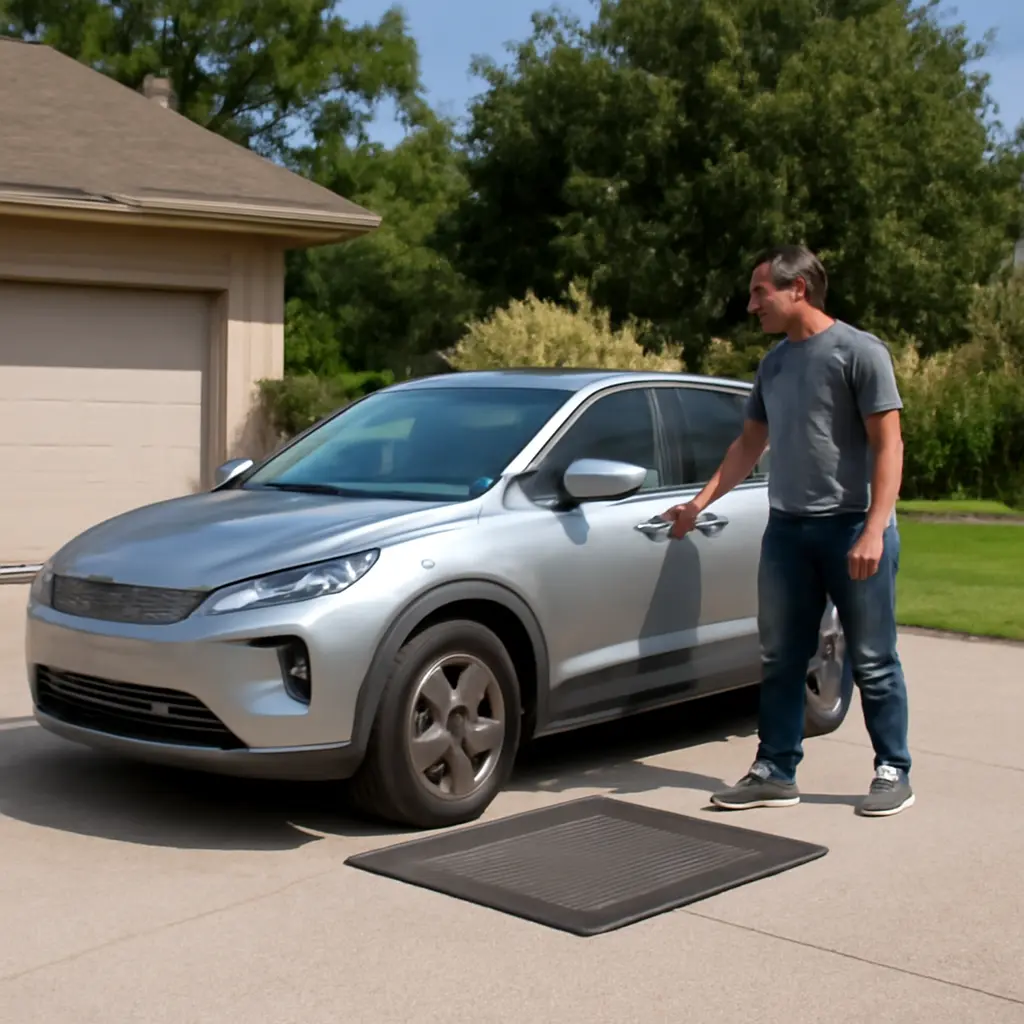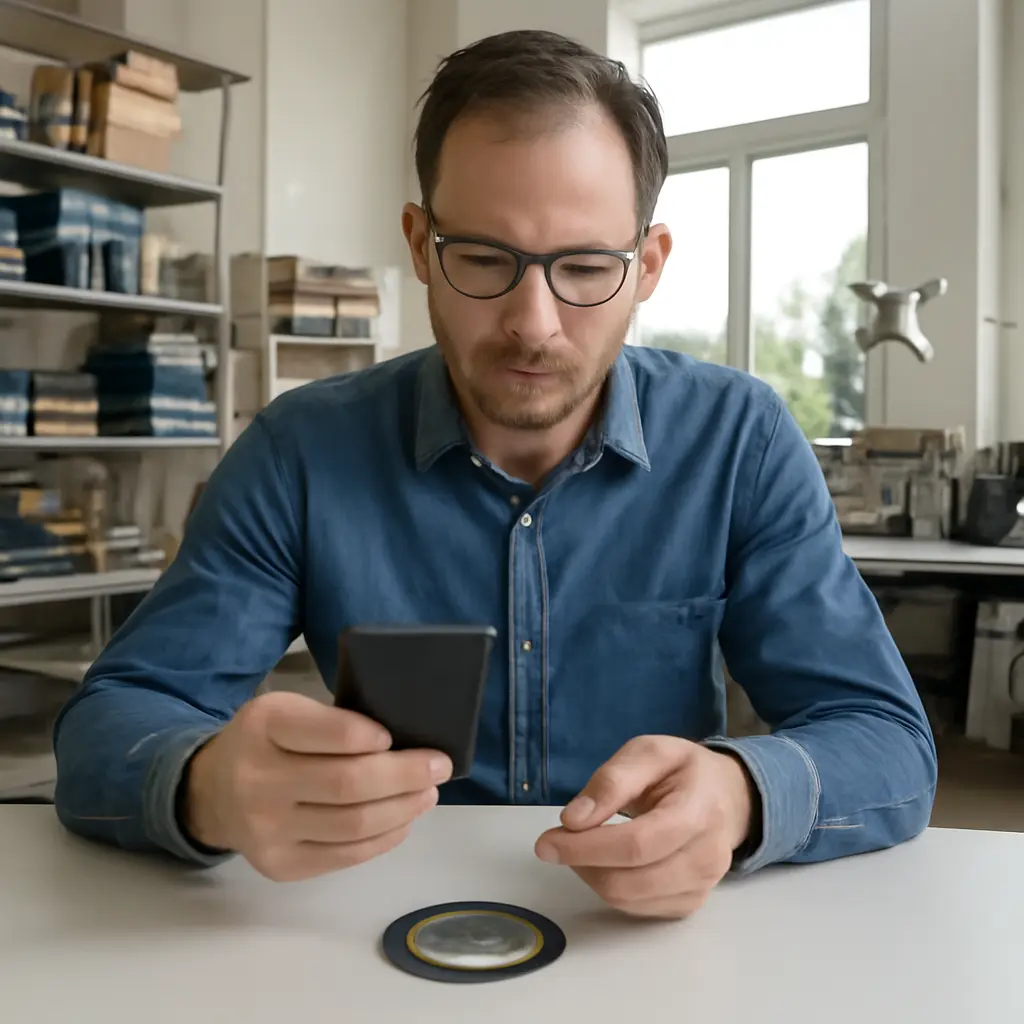
Wireless charging is the transfer of electrical energy to a device without a plugged-in charging cable, most commonly through electromagnetic induction. It can reduce the daily hassle of tangled cords and worn connectors, but it is not a universal replacement for wired charging: compatibility, charging speed, heat, and cost all matter. Understanding Qi and newer Qi2 standards, choosing the right charger, and using wireless power safely can help you decide when a cordless setup is genuinely convenient.
Wireless charging standards improve everyday convenience
The Wireless Power Consortium (WPC), the industry body behind Qi, defines the standard through technical specifications that let compatible transmitters and receivers exchange power safely. In a typical setup, a charging pad or stand contains a coil that creates a changing magnetic field; a matching coil in the phone converts that energy into electrical power for its battery. This is near-field charging: the device generally needs to sit close to, and in the right position over, the charger.
Qi is the best-known standard for phones and accessories. Qi2, introduced by the WPC in 2023, adds a Magnetic Power Profile designed to align compatible devices and chargers magnetically. The WPC said Qi2 launched with support for 15-watt charging, while the original Qi standard covers a wider range of power profiles. Actual performance depends on the specific phone, charger, power adapter, and operating conditions.
Qi and Qi2: compatibility before purchase
Qi compatibility means a device and charger can follow the same wireless-power protocol; it does not guarantee identical charging speed across every product. Qi2’s magnetic alignment can make it easier to place a phone correctly, helping avoid the misalignment that may interrupt charging or reduce efficiency. Before buying, check the phone maker’s specifications and the charger’s certified-device list. A magnetic attachment alone does not prove that a product supports Qi2 or any particular charging rate.
Inductive charging and other wireless-power approaches
Inductive charging is the common method used by Qi phone chargers: energy transfers between nearby coils. Resonant wireless power is a related approach that can tolerate somewhat greater separation or flexible positioning in some applications, though it is not the usual experience with a standard phone pad. These methods are distinct from radio-frequency power transfer, which can deliver energy over greater distances but is generally used for low-power or specialized applications rather than fast phone charging.
That distinction matters when shopping: “wireless” describes the absence of a direct charging cable to the device, not necessarily long-range charging. Most phone chargers still require a power cord running from the charging pad or stand to a wall adapter. The practical benefit is a simpler connection at the device—not a cord-free room.
Wireless charging changes the trade-offs of charging speed and efficiency
Wireless charging offers a convenient place-and-charge routine, but energy conversion is less direct than sending power through a cable. The U.S. Department of Energy explains that wireless power transfer relies on electromagnetic fields, and efficiency varies with the design and alignment of the system. For phones, that means charging time and energy use can differ by device and charger; there is no single efficiency figure that applies to every setup.
Charging speed depends on the whole system
A charger’s advertised maximum is only one part of the equation. The phone must support the relevant standard and power level, the wall adapter must supply enough power, and the device must be positioned correctly. Background activity, battery temperature, and the phone’s charging controls also affect how quickly the battery fills. If rapid top-ups are important, compare independent or manufacturer-tested charging times for the exact phone-and-charger combination rather than relying on a wattage label alone.
Heat, battery care, and safe placement
Wireless charging can produce heat in the charging coils and device. Battery makers, including Apple, advise avoiding extreme temperatures because heat can affect battery performance and lifespan. Use a reputable, standards-compliant charger on a firm, ventilated surface, and remove objects that may interfere with charging—especially metal items such as coins or keys. If a phone or charger becomes unusually hot, stop charging and check the manufacturer’s guidance.
Cases can also affect the experience. Many ordinary cases work, but thick cases, metal components, magnetic accessories, or cards placed between the phone and pad may interfere with alignment or charging. Follow the phone and charger instructions, and avoid assuming that every magnetic case or accessory is compatible.
Wireless charging setups suit different routines
The most useful wireless charger is the one that fits where and how you charge. A pad is simple for a desk or bedside table; a stand keeps the screen visible for calls or notifications; and a multi-device station can reduce clutter for households with several compatible products. These are practical variations of the same basic idea, not interchangeable guarantees of speed or compatibility.
Pads and stands for desks and bedside tables
A charging pad works well when the phone can lie flat and remain undisturbed. A stand may be more convenient if you want to see the display while the phone charges, but it must hold the device in the correct position for its coil. For either type, check whether the product includes a suitable power adapter; some models require a separate adapter capable of delivering the charger’s rated input.
Multi-device stations and real-world convenience
Multi-device stations can charge compatible phones, earbuds, and watches in one designated spot. They are especially useful for reducing the number of charging cables visible on a nightstand, but each device may require a different charging surface or manufacturer-specific design. Confirm that every intended product is supported, and compare the station’s total power requirements with the included adapter.
For example, a household with two Qi-compatible phones and wireless earbuds might use a shared charging station overnight, while keeping a wired charger available for faster charging or devices that lack wireless support. This mixed approach captures the convenience without forcing every charging task into one method.
A practical buying checklist prevents cord-free frustration
Wireless charging is most satisfying when the device, standard, charger, and placement all match. Before replacing a cable or buying a charging station, use this checklist:
- Confirm that the phone supports Qi or Qi2 charging.
- Check the maximum wireless charging rate supported by both the phone and charger.
- Verify that the power adapter and cable meet the charger’s input requirements.
- Choose a pad, stand, or multi-device station that suits the space and routine.
- Check case and accessory compatibility, particularly for thick or metal cases.
- Look for trustworthy safety certification and clear manufacturer support.
- Keep a wired charger available if you need faster charging or have incompatible devices.
Conclusion: wireless charging is convenience, not a universal cable replacement
Wireless charging standards such as Qi and Qi2 make everyday charging easier by replacing a repeated plug-in step with a simple placement routine. The best results come from matching the standard to the device, understanding that speed and efficiency vary, managing heat, and choosing a setup suited to your space. Start by checking your phone’s compatibility and selecting a certified charger for your routine; keep wired charging as a useful complement when speed or broad compatibility matters.
Sources: Wireless Power Consortium, Qi and Qi2 Wireless Charging Standards, https://www.wirelesspowerconsortium.com/; U.S. Department of Energy, Wireless Power Transfer, https://www.energy.gov/; Apple, Maximizing Battery Life and Lifespan, https://www.apple.com/batteries/maximizing-performance/